
Copart Vehicle Alerts and IAAI new-lot alerts: how not to miss the car you want
New lots go up on Copart and IAAI every day, and the one that fits you is a rarity. How to set up a saved search, which filters keep the alerts useful, and what to do when one arrives.
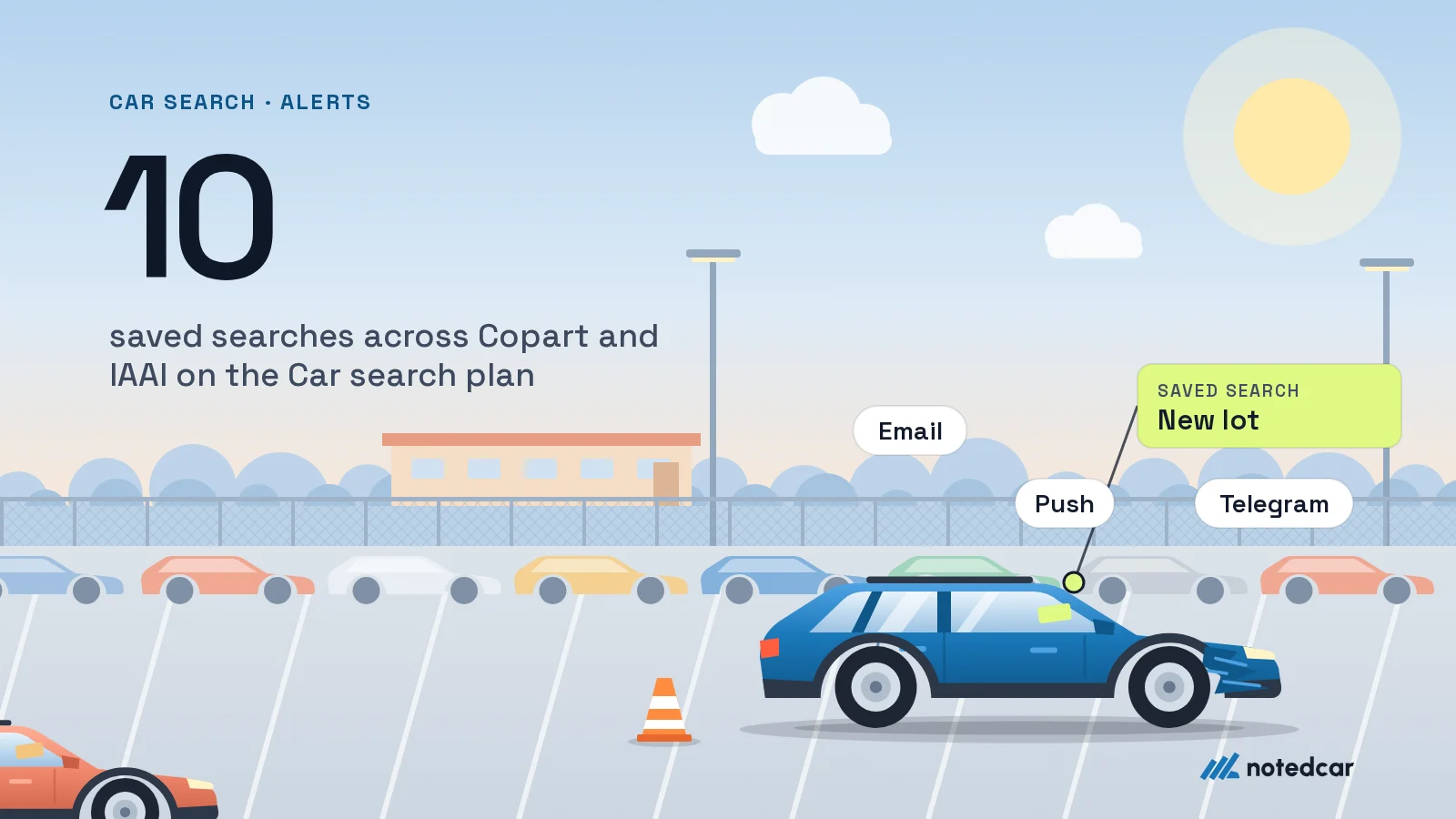
The car you want does not show up in the US auctions when you happen to be looking. Copart and IAAI list new lots every day, and a lot that matches your year, mileage, damage and budget can sit in the catalogue for only a few days. Below: how to turn the search into a process where you do not scroll hundreds of cards but get an alert about the matching ones only.
Why manual searching does not work
A buyer after one car usually does this: opens the catalogue every few days, sets the filters, scrolls the first pages. Three problems. The filters have to be re-entered every time. You see yesterday’s lots again and miss what is new. And above all it depends on your mood: skip two days and the best option of the week has already gone to auction.
A saved search fixes it: you describe the car once, the system compares each new lot with the description and tells you about a match. You react to a lot instead of hunting for it.
Copart Vehicle Alerts, IAAI and alert services
Copart has its own Vehicle Alerts: in a Copart account you describe the vehicles you are after and Copart emails you when one becomes available. IAAI has its own account tools too. Each works inside an account on its own site, so it covers only that auction, and for a buyer abroad the account itself usually means a separate registration or a broker. If you want to watch the catalogue rather than hold an auction account, it is simpler to use a service that shows the live lots of both sites in one place. In the Car search plan one saved search covers Copart and IAAI together.
How to describe the car so alerts stay useful
The main mistake is a search that is too broad or too narrow. A broad one (“Toyota RAV4, any year”) floods you with cars you do not want and you start ignoring it. A narrow one (“2020 RAV4, white, under 40,000 miles, in New Jersey”) stays silent for weeks. A rule of thumb: a search should produce a few alerts a week, not a few a day and not none in a month.
| Filter | What it does | How to set it |
|---|---|---|
| Make and model | Cuts everything else | One model, at most two or three close ones |
| Model years | Drives price and customs cost | A 2–3 year range, not “2015 and newer” |
| Odometer | Often stated approximately | An upper limit with some slack; skip the lower one |
| Damage | The biggest lever on repair cost | Pick the types you accept; most buyers leave fire and flood unselected, judge the rest by hand |
| “Run & Drive” | The car moves under its own power | If you repair it yourself you may not need it |
| Title type | Decides whether you can import it and what it resells for | See US car titles |
| State or yard | Affects shipping | Do not restrict until you have priced the logistics |
The principle: use filters to select only what you are willing to buy, and judge everything that needs a look — damage types, trim, colour — on the lot itself. Damage codes are covered in a separate guide.
Example: searching for one SUV
- 1The buyer wants a 2019–2021 Toyota RAV4 that drives. They set make, model and years, select Front End, Rear End, Side and Minor Dent/Scratches damage (leaving fire and flood unselected) and add Run & Drive.
- 2First check how many lots in the catalogue match the search right now: if it is hundreds, the search is too broad, so narrow the years or the mileage; if none, relax one condition.
- 3After that each alert is a new lot: open it, check the photos and the title and work out the full cost.
- 4If a lot almost fits but not quite (slightly higher mileage), create a second search instead of loosening the first. Several narrow searches beat one blurry one.
Saved searches across Copart and IAAI: up to 10 on the Car search plan, alerts by email, browser push, in-app and Telegram.
About the Car search planWhat to do when an alert arrives
An alert is only a reason to look at a lot. Next come four steps that take minutes, not hours.
- 1Open the lot and go through every photo, not just the main one. Look for damage that the short description does not mention.
- 2Check the sale type and the title: sale types decide whether you pay at all.
- 3Open the free lot report: it shows any live lot in full, no subscription needed.
- 4Work out the full cost in the fee calculator and the USA import calculator, so the bid does not turn into a surprise at shipping and customs.
Alerts let you wait
A side benefit of a saved search is calm. An analysis of 143,989 sales found that IAAI live-auction lots listed for 21 days or longer closed at a median 0.86x the modelled price, and 23% of them were deals (the baseline is 10%). These figures do not promise a discount on a given lot, but they explain why “missed a lot” is not a disaster: in a few days the next one appears, and a lot that does not sell often gets cheaper. The breakdown is in the article on lots that sell below market.
Where to receive the alerts
On the Car search plan, an alert for a new lot that matches a saved search arrives by email, browser push, in the app and in Telegram. A practical tip: keep Telegram and push for the urgent and email as an archive. If the alerts become too many, cut channels rather than switching the search off.
What it costs and what is already free
Car search is $12 a month or $115 a year with up to 10 saved searches and a 7-day free trial with no card; the trial starts with one click in your account. A free account keeps one saved search and sends a weekly “N new cars match your search” email with the trial offer. And the free lot report shows any live lot in full, even without the plan.