
Stat.vin explained: the free Copart and IAAI sale archive, how to read a card and what it leaves out
Stat.vin is a Copart and IAAI buying service whose lot pages double as a free archive of finished auctions. How to find a car by VIN or lot number, how to read the status, the final bid and the sale history table, what is paid and what the site will never show.
Stat.vin is a Copart and IAAI buying service whose public lot pages double as a free archive of finished auctions: for a VIN or lot number it shows the sale status, the final bid, the sale date, the seller’s name, the title document, the damage and the photos the auction published. It belongs to the same family as BidFax, bid.cars and finalbid.vin, with one difference — here the archive is a side product of a broker, not the business itself. Below: how to find a car on it, how to read the card and where it stops. Everything about the site comes from its public pages as read on 7 November 2026.
What stat.vin is and where it sits among the bidfax-type archives
The home page describes the service as a place to "search for used and salvage cars, place bids and win online", and that is its core: a broker that lets a buyer without a dealer licence bid on Copart and IAAI through a refundable deposit, then handles payment, shipping and customs. The site exists in English, Ukrainian and Russian and lists four sources — Copart USA, Copart Canada, IAAI USA and IAAI Canada — for cars, motorcycles and boats.
The archive follows from the way such a site works. Every lot it ever listed stays online after the auction with the result appended, so the page of a car sold in 2020 still opens with the words "Auction completed" and the price. That is exactly what BidFax and its clones do, which is why stat.vin shows up in the same searches; the difference is that bidfax.info exists only to show the archive, while stat.vin shows it to sell the next bid. How the whole family works and where the free archives mislead is in what BidFax is.
How to find a car on stat.vin by VIN or lot number
- 1Have the VIN or the lot number. The record pages live at stat.vin/cars/<VIN>, and a specific run has its lot number appended (stat.vin/cars/<VIN>/<lot>). The Copart or IAAI lot number is printed on the card itself.
- 2Use the site’s search or Google. On the public pages we read, the main search form filters by make, model and year, and the 17-character VIN box belongs to the StatReport form. The record pages are indexed, so a search for the VIN with the word stat.vin usually lands on the card directly.
- 3Open the sale history table, not only the headline. Under "Sale Information" the card lists every run it knows under this VIN: auction, date, final bid, status, lot number and seller. A car with three rows was relisted twice.
- 4Save a screenshot with the VIN and the date. Records on every archive of this kind disappear; the card is your evidence only while it is online.
Stat.vin also publishes a Chrome extension (about 4,000 users, updated in November 2026, in English, Ukrainian and Russian) that puts the same data on the lot page itself: on copart.com and iaai.com it shows the lot’s auction history, the latest sale status and price, the seller and sale statistics for similar vehicles over the previous two months; on AUTO.RIA and Autopapa listings it shows whether the car was at a US auction before. If the VIN is masked with asterisks (common on Canadian IAAI lots), search by lot number. The free VIN decoder confirms the number belongs to this model and year at all.
How to read a stat.vin card: final bid, status, relists and dates
A card is one screen — year, model, photos, a price — and every field on it has a trap.
- "Sold for" and "Sale status: Sold". The hammer price before the auction’s fees. Only this pair means the car changed hands; a figure next to any other status is not a price.
- "On approval", "Minimum bid" or a run without "Sold". The bid did not reach the reserve and the seller had the right to refuse it. In our October 2026 data, 28% of sold cars had at least one failed attempt in the prior 90 days, and the final price was a median 25% above the last rejected bid — a rejected bid is a floor, not a ceiling. Why and by how much is in relists and the rejected-bid floor.
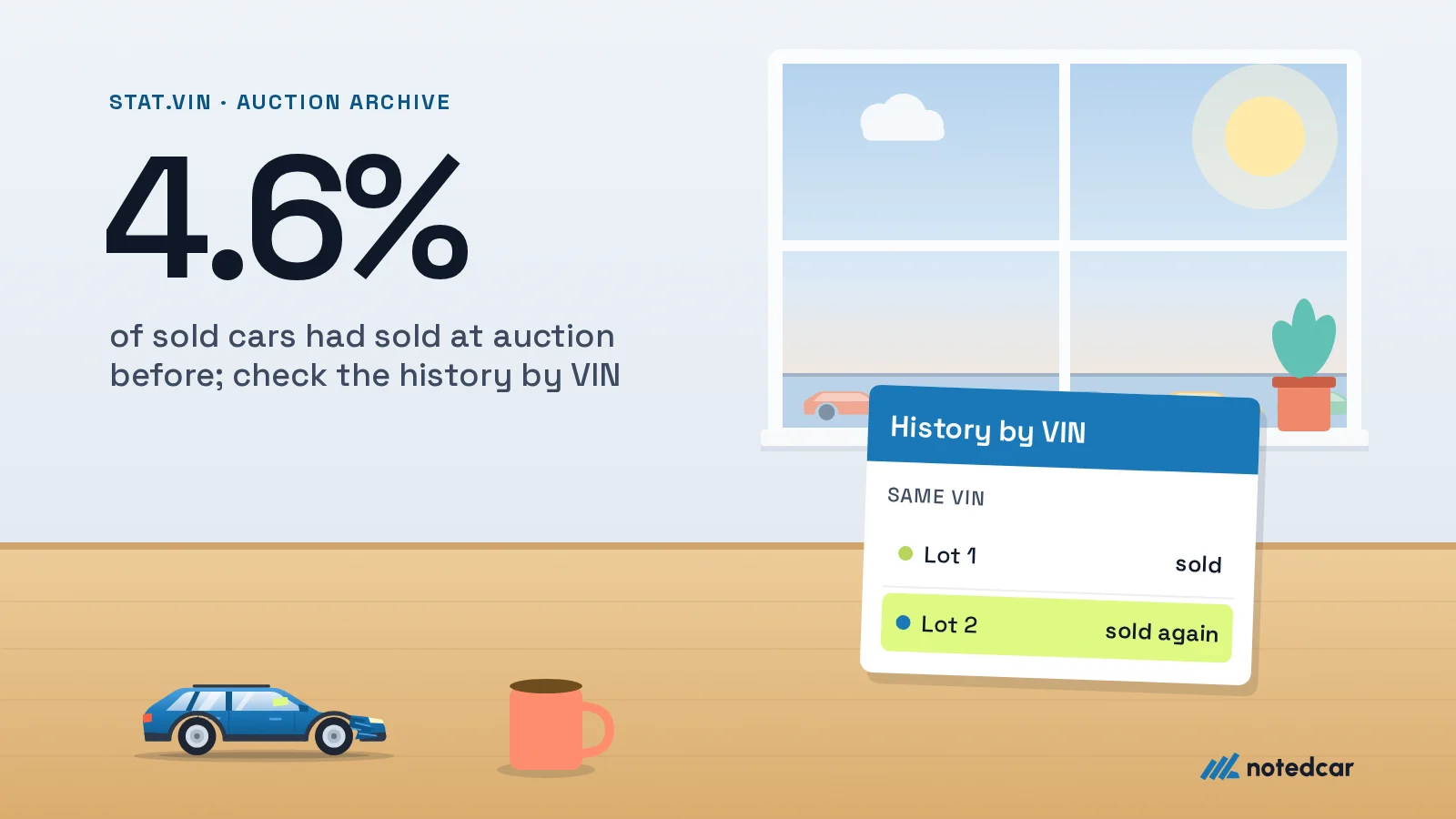
- Several rows in the sale history. Each row is one run under its own lot number. Read the dates: a car that sold two years ago and is back at auction now is a different question from one relisted last month. In the same week of data, 4.6% of sold cars had sold at auction before, at a median 0.55 of the earlier price.
- Seller name and sale document. Stat.vin prints the seller’s name as the auction gave it (an insurer, a bank, a fleet) and the title line verbatim — "CLEAR (FLORIDA)", "TX - NONREPAIRABLE TITLE". The name is useful; the type of seller is left for you to infer. The document line decides whether the car can be registered at all: see the US title guide.
- Odometer and damage. The mileage is the reading at assessment, and the help centre is explicit that "Non Actual" means it "is not accurate or cannot be verified". Primary and secondary damage are the insurer’s codes for the main hits, not a repair estimate; the damage codes guide decodes them.
What stat.vin does not show
The card repeats what the auction published and nothing more — the help centre says the information "fully corresponds to the data provided by Copart, IAAI, and other partners". That sets the limits.
- No road history before the auction. Owners, accidents reported to insurers, service records, odometer readings over the years — none of it is auction data. Stat.vin sells it separately as StatReport (owners, title history, total loss, airbag deployment, recalls) and as a CARFAX button on the card. A CARFAX report at NotedCar costs 45 UAH and needs no account; how to read one is in checking a car’s history by VIN.
- Removed and missing records. Paid VIN-removal services exist for archives of this kind, and a car stat.vin never listed has no card. An empty result is not a clean history; check two or three archives and the free title check.
- Photos as the auction left them, no 360° and no engine video. The cards we opened carried 2, 11 and 13 photos; the 360° exterior, interior panorama and engine-start video that Copart and IAAI shoot for part of their lots are not kept.
- No seller type and no market view. You see one car and its seller’s name, not how many identical cars sold this month, at what median, or how insurers’ cars price against dealers’ cars. The "similar cars" block on the cards we opened was empty.
- No filters across the archive. The archive is reachable one VIN at a time; the make, model and year search returns live lots for sale. For what many sold cars of one model cost, see the free sold price pages or the method in Copart sold prices.
- No Telegram bot and no public API — at least none we could find on the public pages at the time of writing.
The final bid is not the price in Ukraine
The "Sold for" figure is what the winner bid. Before the car is on Ukrainian plates it collects the auction’s buyer fee, inland delivery to the port, ocean freight, port charges, customs duty, excise and VAT, the pension levy at first registration and the broker’s fee — on stat.vin itself a flat service fee and a refundable deposit, both described in its FAQ. In the worked example on our landing page a $5,000 bid becomes $11,428 at the destination port on a real dealer’s rates. Run your own numbers: the fee calculator for the auction’s part, the customs calculator for the Ukrainian part, and the USA import calculator for the whole chain from bid to registration.
When stat.vin is enough and when to open NotedCar
For one classified ad — "from the US, light hit, all fixed" — stat.vin does the job: the card either matches the story or it does not, and it costs nothing. The paid tools earn their place when the question changes.
| stat.vin | NotedCar archive | CARFAX | |
|---|---|---|---|
| What it shows | The auction card: photos, final bid, status, seller name, document | The same sales with full media and market-wide filters | Road history: owners, accidents, service, odometer |
| Search | VIN or lot number, one car at a time | VIN, lot number or filters by make, model, trim, year, odometer, damage, title, seller type and date | VIN |
| Photos | As published by the auction | The full HD set, 360° and engine video where the auction shot them | None |
| Earlier attempts | A sale history table per VIN | Every attempt under any lot number, plus the rejected-bid floor | Some auction records |
| Seller | Name | Name and type | None |
| Price | Free; StatReport and the brokerage are paid | $12 a month | 45 UAH per report, no account |
- You are bidding on a live lot. The lot report at NotedCar is free after sign-up for one live Copart or IAAI lot: every photo, the title verdict and this VIN’s earlier runs.
- You need the market, not one card. The sale history archive ($12 a month) searches sold Copart and IAAI cars in the US and Canada with filters, shows the seller type and monthly trends, and keeps the 360° and engine video.
Every Copart and IAAI sale by VIN, lot number or filters — with full photos, 360° and engine video.
Open the sale history